 凡心
凡心
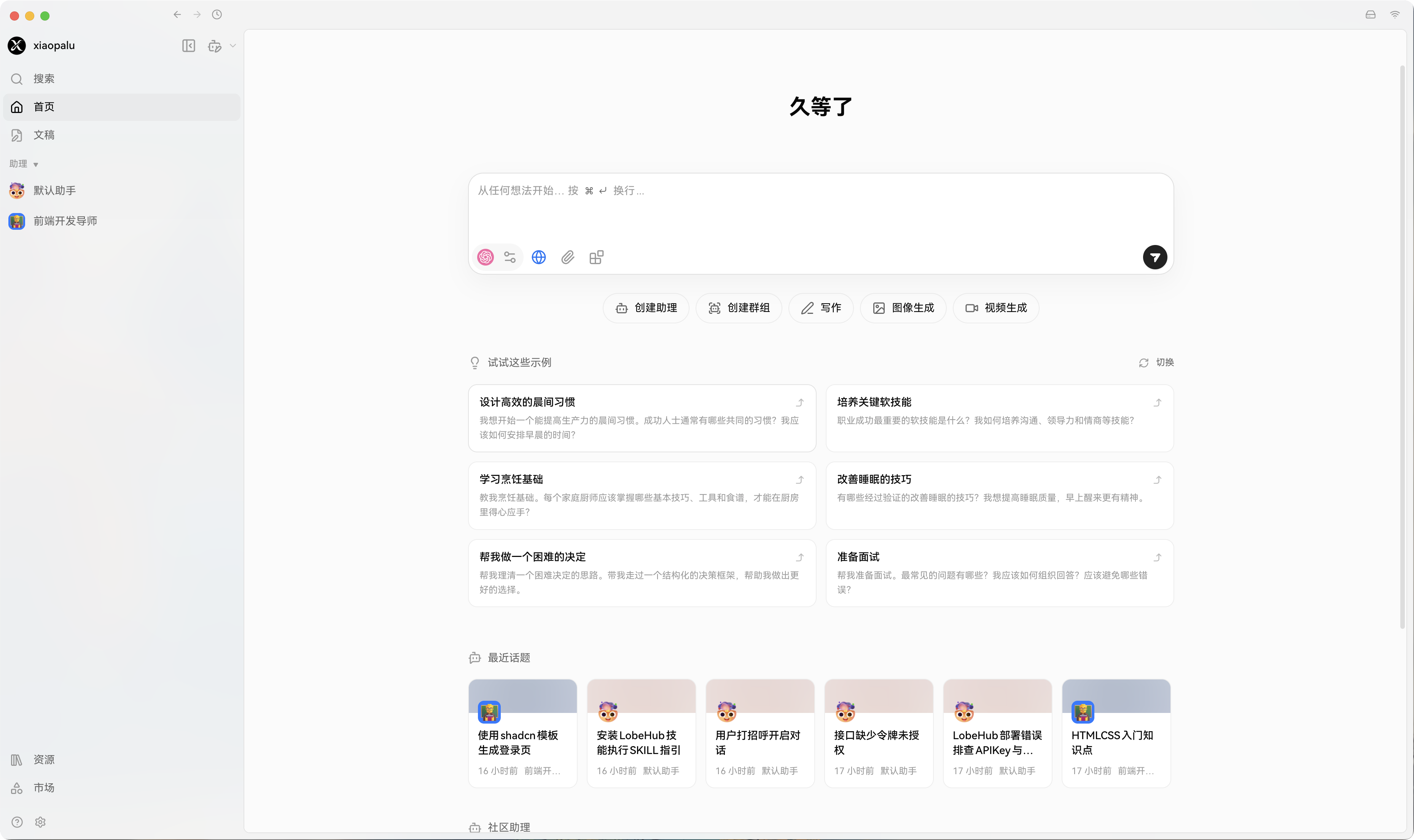
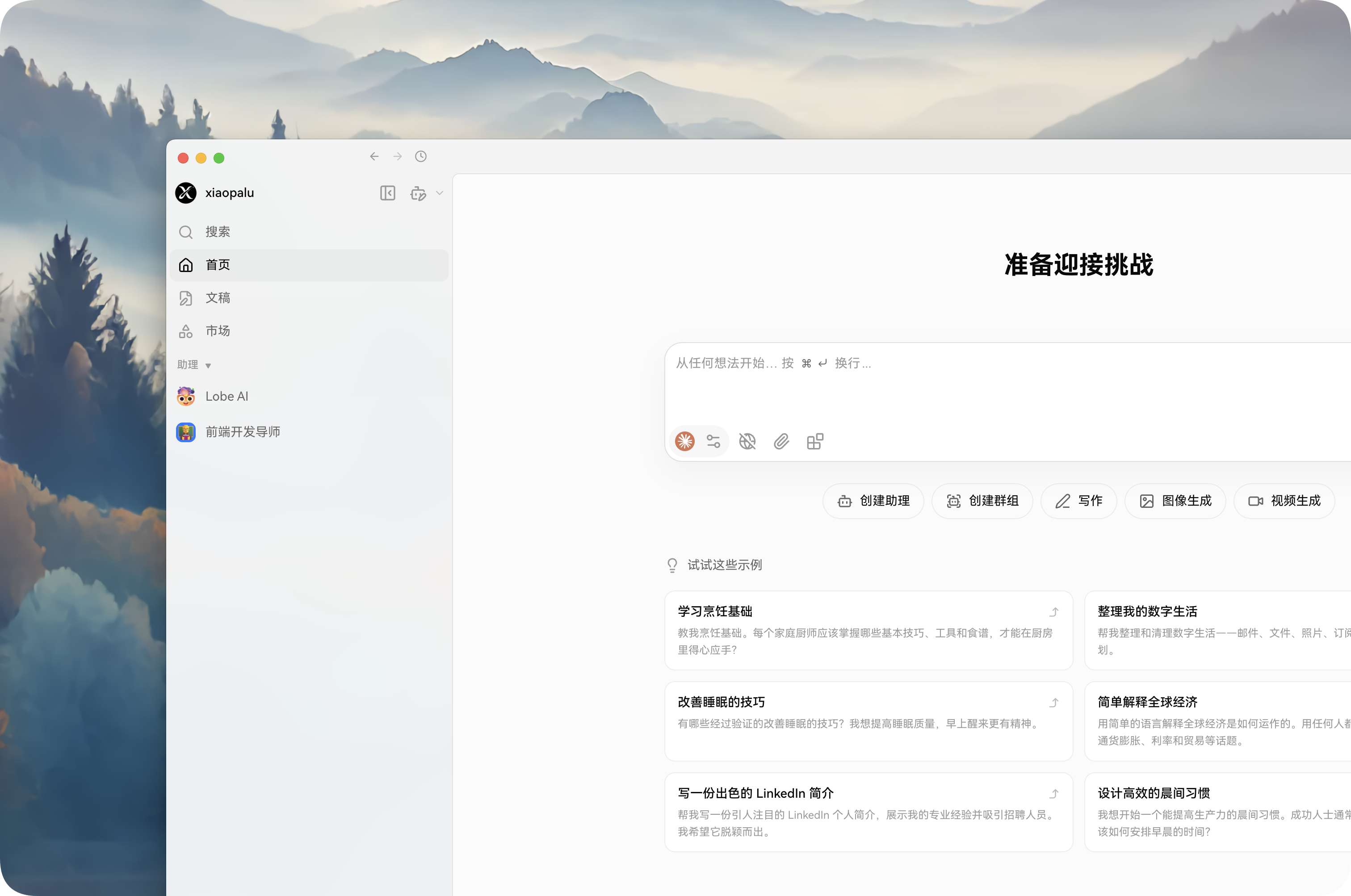
近期 LobeChat 迎来大更新,页面焕然一新,加入了更多的特性 Agent Skill Cwork 记忆 ,随之迎来的就是部署繁琐,组件重复性高,服务器无法承受等问题吗,但经过我昨日对安装文件拆解过后,可以配合咱们的控制面板(1Panel/宝塔)最大限度的将组件进行复用,减轻服务器压力,以下是部署文件以及教程.....
官方部署方式
### 创建一个用于存储文件的文件夹
$ mkdir lobehub-db && cd lobehub-db

### 启动一键脚本
bash <(curl -fsSL https://lobe.li/setup.sh) -l zh_CN

### 启动 LobeHub
docker compose up -d
官方文件
组件:
lobehubpostgresqlredisrustfssearxng
name: lobehub
services:
  lobe:
    image: lobehub/lobehub
    container_name: lobehub
    ports:
      - '${LOBE_PORT}:3210'
    depends_on:
      postgresql:
        condition: service_healthy
      redis:
        condition: service_healthy
      rustfs:
        condition: service_healthy
      rustfs-init:
        condition: service_completed_successfully
    environment:
      - 'KEY_VAULTS_SECRET=${KEY_VAULTS_SECRET}'
      - 'AUTH_SECRET=${AUTH_SECRET}'
      - 'DATABASE_URL=postgresql://postgres:${POSTGRES_PASSWORD}@postgresql:5432/${LOBE_DB_NAME}'
      - 'INTERNAL_APP_URL=http://localhost:3210'
      - 'S3_ENDPOINT=${S3_ENDPOINT}'
      - 'S3_BUCKET=${RUSTFS_LOBE_BUCKET}'
      - 'S3_ENABLE_PATH_STYLE=1'
      - 'S3_ACCESS_KEY=${RUSTFS_ACCESS_KEY}'
      - 'S3_ACCESS_KEY_ID=${RUSTFS_ACCESS_KEY}'
      - 'S3_SECRET_ACCESS_KEY=${RUSTFS_SECRET_KEY}'
      - 'LLM_VISION_IMAGE_USE_BASE64=1'
      - 'S3_SET_ACL=0'
      - 'SEARXNG_URL=http://searxng:8080'
      - 'REDIS_URL=redis://redis:6379'
      - 'REDIS_PREFIX=lobechat'
      - 'REDIS_TLS=0'
    env_file:
      - .env
    restart: always
    networks:
      - lobe-network

  postgresql:
    image: paradedb/paradedb:latest-pg17
    container_name: lobe-postgres
    # Optional: Remove or change these ports if:
    # - You don't need external database access
    # - The ports conflict with other services on your host
    ports:
      - '5432:5432'
    volumes:
      - './data:/var/lib/postgresql/data'
    environment:
      - 'POSTGRES_DB=${LOBE_DB_NAME}'
      - 'POSTGRES_PASSWORD=${POSTGRES_PASSWORD}'
    healthcheck:
      test: ['CMD-SHELL', 'pg_isready -U postgres']
      interval: 5s
      timeout: 5s
      retries: 5
    restart: always
    networks:
      - lobe-network

  redis:
    image: redis:7-alpine
    container_name: lobe-redis
    # Optional: Remove or change these ports if:
    # - You don't need external access
    # - The ports conflict with other services on your host
    ports:
      - '6379:6379'
    command: redis-server --save 60 1000 --appendonly yes
    volumes:
      - 'redis_data:/data'
    healthcheck:
      test: ['CMD', 'redis-cli', 'ping']
      interval: 5s
      timeout: 3s
      retries: 5
    restart: always
    networks:
      - lobe-network

  rustfs:
    image: rustfs/rustfs:latest
    container_name: lobe-rustfs
    ports:
      - '${RUSTFS_PORT}:9000'
      - '${RUSTFS_ADMIN_PORT}:9001'
    # Optional: Remove or change RUSTFS_ADMIN_PORT if:
    # - You don't need external access to rustfs control panel
    # - The ports conflict with other services on your host
    # - RUSTFS_PORT is necessary only if you need to upload images to conversations. (avatar uploads are not affected)
    # - Uploading images to conversations requires a browser-accessible S3_ENDPOINT.
    environment:
      - RUSTFS_CONSOLE_ENABLE=true
      - RUSTFS_ACCESS_KEY=${RUSTFS_ACCESS_KEY}
      - RUSTFS_SECRET_KEY=${RUSTFS_SECRET_KEY}
    volumes:
      - 'rustfs-data:/data'
    healthcheck:
      test: ['CMD-SHELL', 'wget -qO- http://localhost:9000/health >/dev/null 2>&1 || exit 1']
      interval: 5s
      timeout: 3s
      retries: 30
    command:
      ['--access-key', '${RUSTFS_ACCESS_KEY}', '--secret-key', '${RUSTFS_SECRET_KEY}', '/data']
    networks:
      - lobe-network

  rustfs-init:
    image: minio/mc:latest
    container_name: lobe-rustfs-init
    depends_on:
      rustfs:
        condition: service_healthy
    volumes:
      - ./bucket.config.json:/bucket.config.json:ro
    entrypoint: /bin/sh
    command: -c ' set -eux; echo "S3_ACCESS_KEY=${RUSTFS_ACCESS_KEY}, S3_SECRET_KEY=${RUSTFS_SECRET_KEY}"; mc --version; mc alias set rustfs "http://rustfs:9000" "${RUSTFS_ACCESS_KEY}" "${RUSTFS_SECRET_KEY}"; mc ls rustfs || true; mc mb "rustfs/lobe" --ignore-existing; mc admin info rustfs || true; mc anonymous set-json "/bucket.config.json" "rustfs/lobe"; '
    restart: 'no'
    networks:
      - lobe-network

  searxng:
    image: searxng/searxng
    container_name: lobe-searxng
    volumes:
      - './searxng-settings.yml:/etc/searxng/settings.yml'
    environment:
      - 'SEARXNG_SETTINGS_FILE=/etc/searxng/settings.yml'
    restart: always
    networks:
      - lobe-network
    env_file:
      - .env

networks:
  lobe-network:
    driver: bridge

volumes:
  redis_data:
    driver: local
  rustfs-data:
    driver: local
拆解后部署方式
安装 Docker 服务
组件:
lobehubpostgresql考虑到用户可能有
PGSQL数据库,就不将PG给拆解出来,保留数据库,防止小白误操作。
创建 LobeChat 文件并进入
mkdir LobeChatDB && cd LobeChatDB
写入 docker-compose.yml 文件
vi docker-compose.yml
写入S3权限文件
vi bucket.config.json
启动文件
docker-compose.yml
name: lobehub
services:
  lobe:
    image: lobehub/lobehub
    container_name: lobehub
    ports:
      - '${LOBE_PORT}:3210'
    depends_on:
      postgresql:
        condition: service_healthy
    environment:
      - 'KEY_VAULTS_SECRET=${KEY_VAULTS_SECRET}'
      - 'AUTH_SECRET=${AUTH_SECRET}'
      - 'DATABASE_URL=postgresql://postgres:${POSTGRES_PASSWORD}@postgresql:5432/${LOBE_DB_NAME}'
      - 'INTERNAL_APP_URL=${INTERNAL_APP_URL}'
      - 'S3_ENDPOINT=${S3_ENDPOINT}'
      - 'S3_BUCKET=${RUSTFS_LOBE_BUCKET}'
      - 'S3_ENABLE_PATH_STYLE=1'
      - 'S3_ACCESS_KEY=${RUSTFS_ACCESS_KEY}'
      - 'S3_ACCESS_KEY_ID=${RUSTFS_ACCESS_KEY}'
      - 'S3_SECRET_ACCESS_KEY=${RUSTFS_SECRET_KEY}'
      - 'LLM_VISION_IMAGE_USE_BASE64=1'
      - 'S3_SET_ACL=0'
      - 'SEARXNG_URL=https://chaihl.master-jsx.top'  # 免费提供搜索程序
      - 'REDIS_URL=redis://:${REDIS_PASSWORD}@${REDIS_HOST}:${REDIS_PORT}'
      - 'REDIS_PREFIX=lobechat'
      - 'REDIS_TLS=0'
    env_file:
      - .env
    restart: always
    networks:
      - lobe-network

  postgresql:
    image: paradedb/paradedb:latest-pg17
    container_name: lobe-postgres
    # Optional: Remove or change these ports if:
    # - You don't need external database access
    # - The ports conflict with other services on your host
    ports:
      - '${PG_PORT}:5432'
    volumes:
      - './data:/var/lib/postgresql/data'
    environment:
      - 'POSTGRES_DB=${LOBE_DB_NAME}'
      - 'POSTGRES_PASSWORD=${POSTGRES_PASSWORD}'
    healthcheck:
      test: ['CMD-SHELL', 'pg_isready -U postgres']
      interval: 5s
      timeout: 5s
      retries: 5
    restart: always
    networks:
      - lobe-network

networks:
  lobe-network:
    driver: bridge
写入 .env 文件
vi .env
配置文件
.env
# 允许登录的邮箱地址,用英文逗号分隔
# 设置后只有列表中的邮箱可以登录,其他用户可以注册但无法登录
# 留空则允许所有用户注册登录
# AUTH_ALLOWED_EMAILS=user1@example.com,user2@example.com

# 禁用用户注册(仅允许 SSO 登录)
# 设置为 1 后,用户无法通过邮箱密码注册,只能通过 SSO 登录
# AUTH_DISABLE_EMAIL_PASSWORD=1

# 启动端口
LOBE_PORT=3210

# 访问链接(写域名)
APP_URL=https://lobe.hallucodex.com

# 内部应用URL,用于容器内部服务间通信
# Docker Compose 部署时必须配置,否则当 APP_URL 为宿主机 IP 时 AI 生图等功能会失败 (写ip+端口)
INTERNAL_APP_URL=http://111.111.111.111:3210

# PG数据库名称
LOBE_DB_NAME=lobechat

# PG数据库密码
POSTGRES_PASSWORD=uWNZugjBqixf8dxC

# PG数据库映射端口(占用可以自行更改)
PG_PORT=5432

# REDIS IP
REDIS_HOST=

# REDIS 密码 如果没有密码,直接将 docker-compose 中的链接改为 REDIS_URL=redis://${REDIS_HOST}:${REDIS_PORT}
REDIS_PASSWORD=

# REDIS 端口
REDIS_PORT=6379

# 密钥配置(使用 openssl rand -base64 32 生成 2 个)
KEY_VAULTS_SECRET=
AUTH_SECRET=

# Minio 上传链接
S3_ENDPOINT=https://store.hallucodex.com

# Minio 登录账号
RUSTFS_ACCESS_KEY=admin

# Minio 登录密码
RUSTFS_SECRET_KEY=yiuqhjwnmsdv

# Minio 存储桶名称
RUSTFS_LOBE_BUCKET=lobe

# QStash 必填 https://console.upstash.com/qstash/2ed86297-4190-4cec-bba5-5ce26760d832/details?teamid=0
QSTASH_URL=
QSTASH_TOKEN=
QSTASH_CURRENT_SIGNING_KEY=
QSTASH_NEXT_SIGNING_KEY=


# 可选 开启邮件验证 1 为 开启
AUTH_EMAIL_VERIFICATION=0

# 可选 SMTP 服务器主机名
SMTP_HOST=

# 可选 SMTP 服务器端口(TLS 通常为 587,SSL 为 465)
SMTP_PORT=465

# 可选 SSL 设置为 true(端口 465),TLS 设置为 false(端口 587)
SMTP_SECURE=true

# 可选 SMTP 认证用户名
SMTP_USER=

# 可选 SMTP 认证密码
SMTP_PASS=

# JWK 需要在这个网站一键生成一下 https://lobehub.com/zh/docs/self-hosting/advanced/desktop
JWKS_KEY={}
S3 权限文件
vi bucket.config.json
{
  "ID": "",
  "Statement": [
    {
      "Sid": "",
      "Effect": "Allow",
      "Principal": {
        "AWS": ["*"]
      },
      "Action": ["s3:GetObject"],
      "NotAction": [],
      "Resource": ["arn:aws:s3:::lobe/*"],
      "NotResource": [],
      "Condition": {}
    }
  ],
  "Version": "2012-10-17"
}
中转API推荐
使用教程
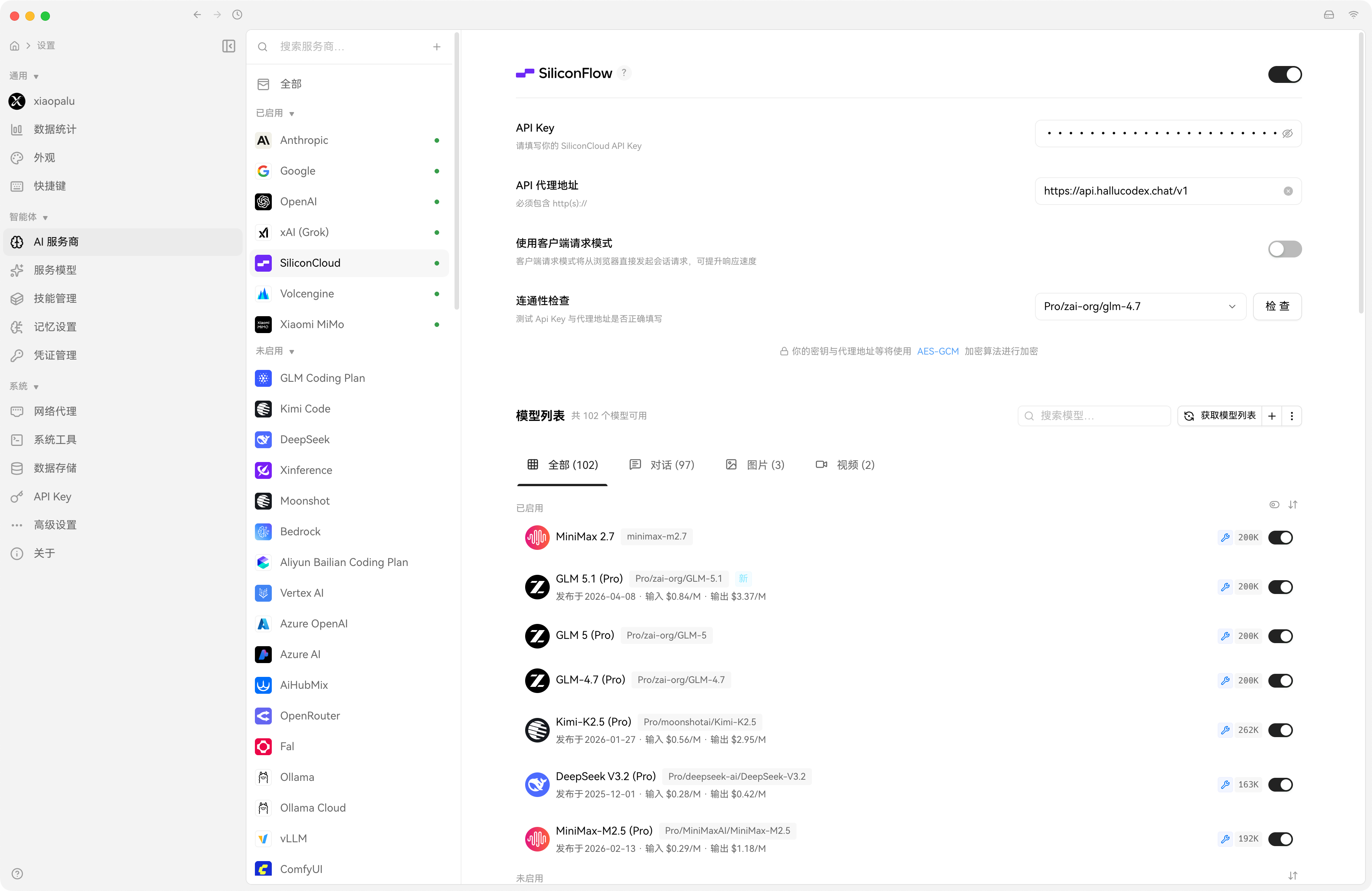
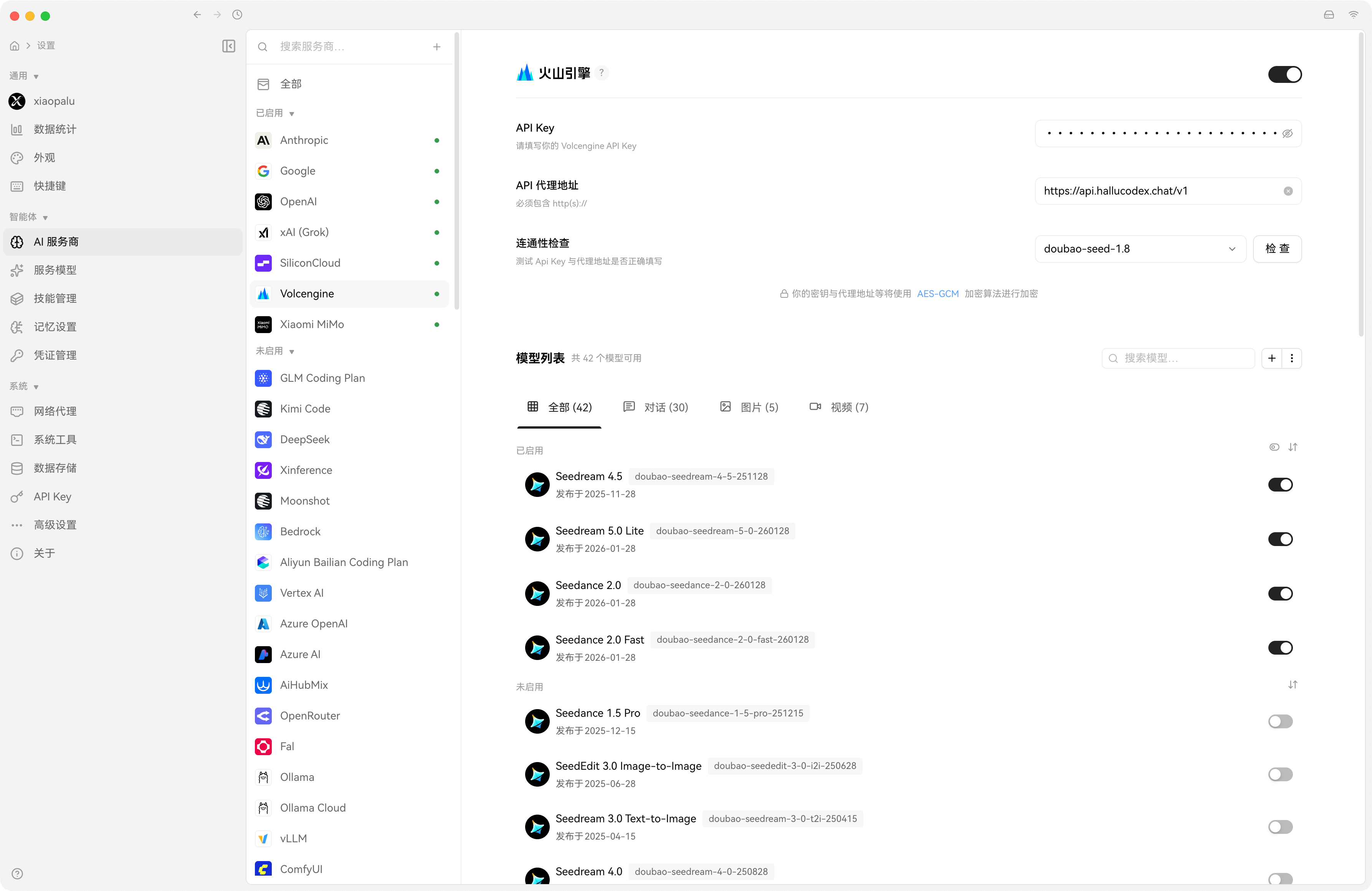
配置AI服务商
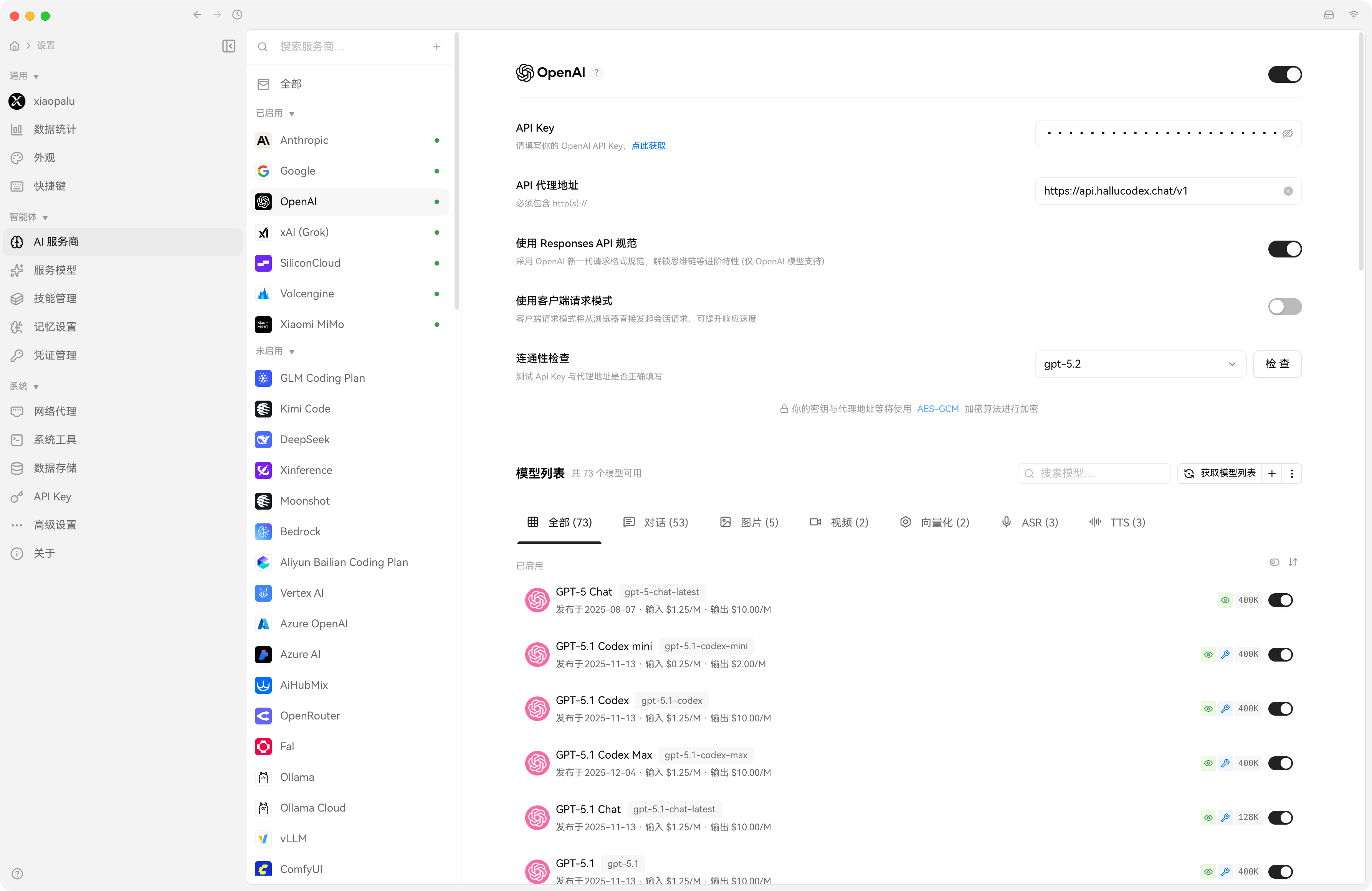
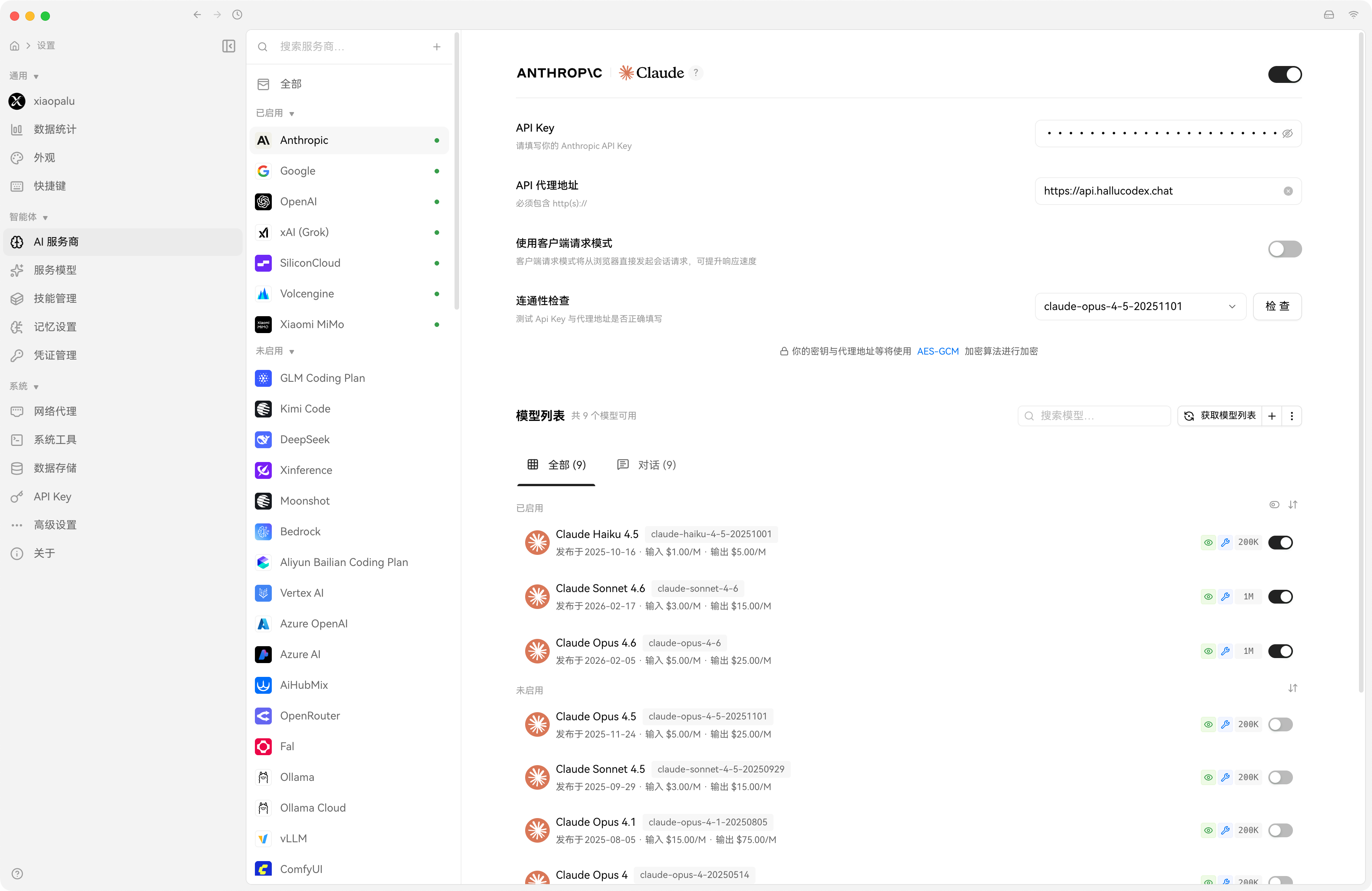
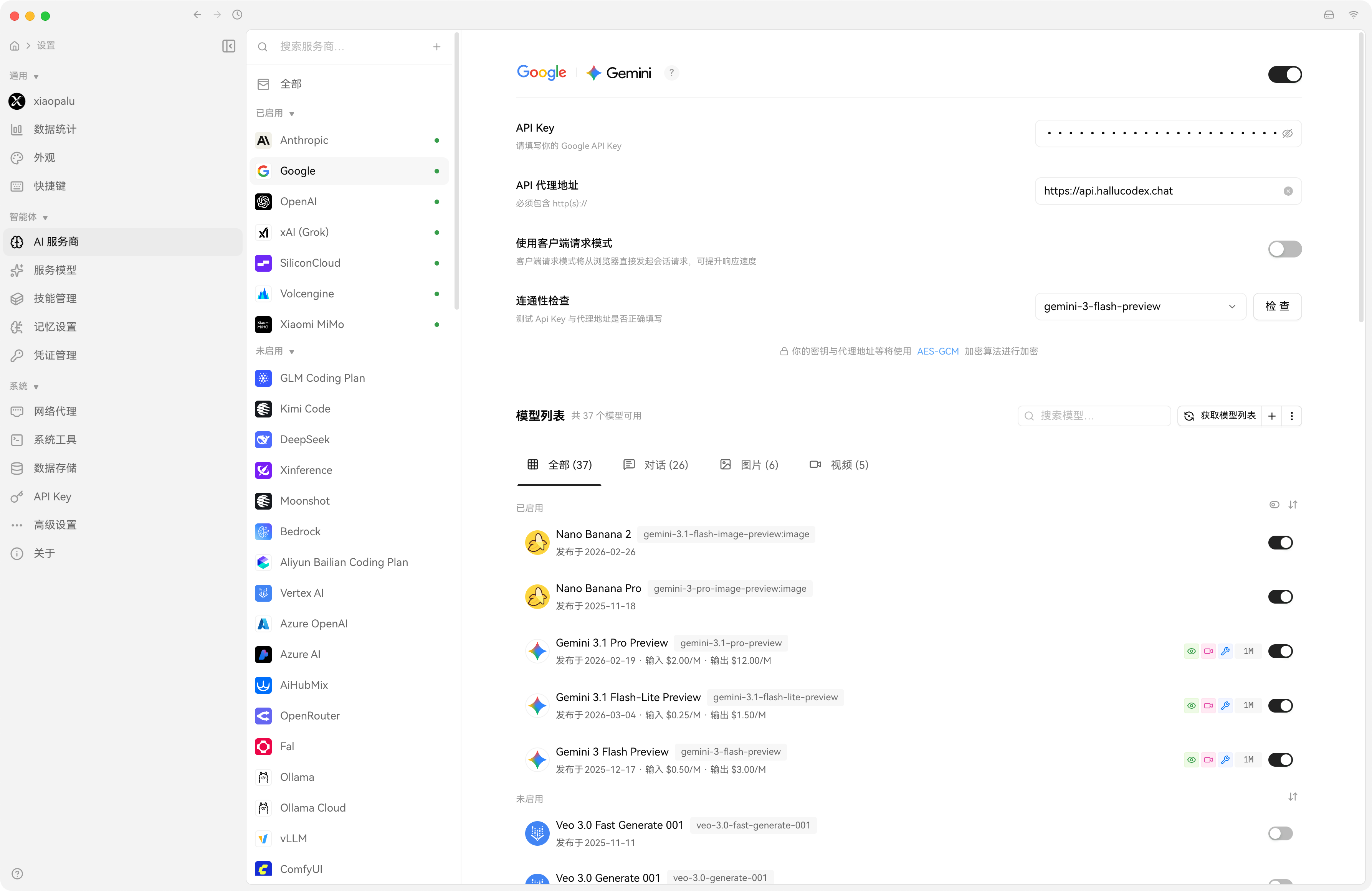
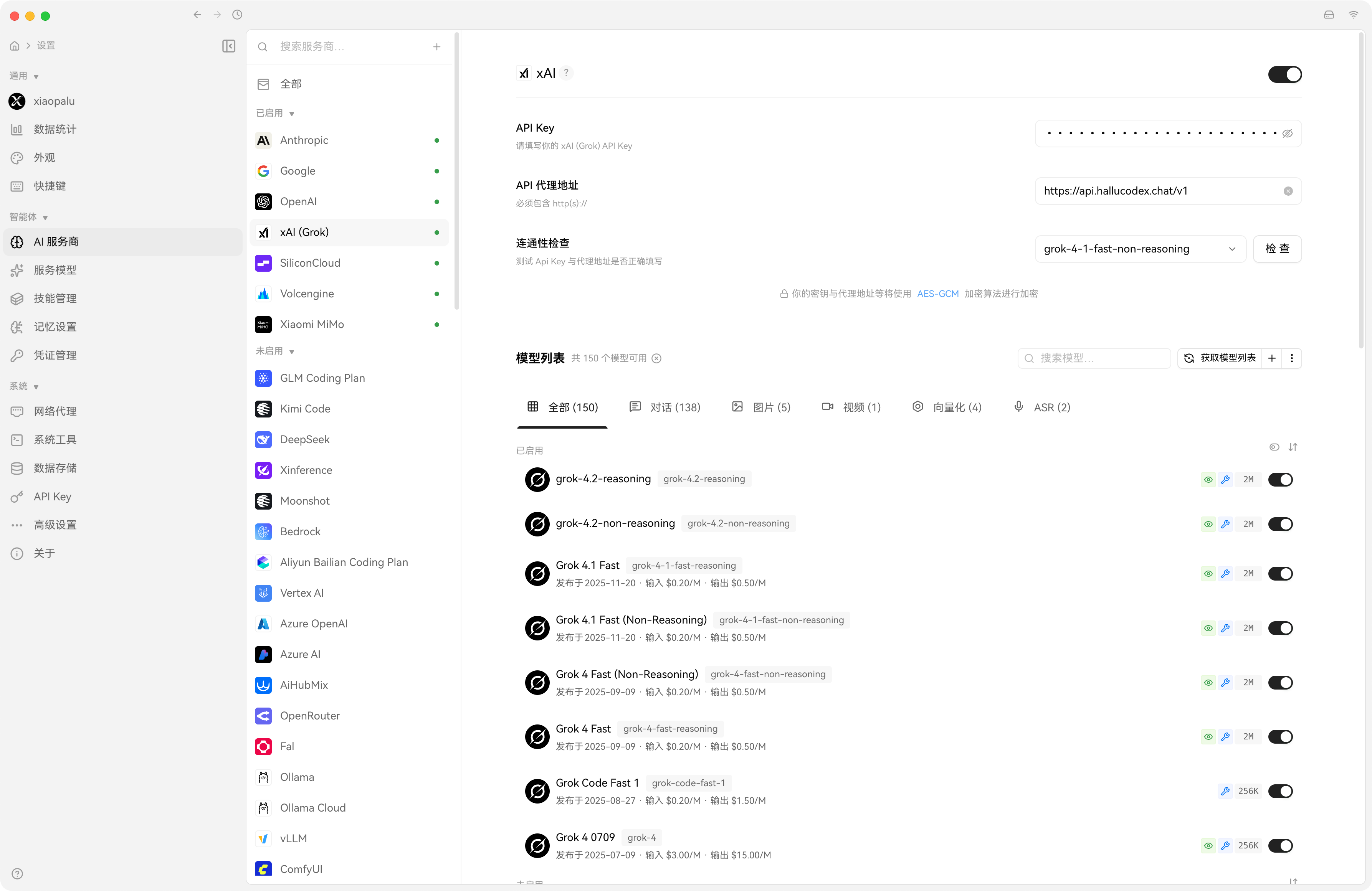
API Key: 可以去中转站获取,或者自己找别的,填写即可。
API 代理地址:填写中转站的网站地址即可,例如:
https://api.hallucodex.chat注意事项:有的 API 代理地址需要加
/v1,例如 OpenAI 的是:https://api.hallucodex.chat/v1
OpenAI代理商
Claude代理商
Google 代理商
Grok 代理商
硅基流动代理商
火山引擎代理商
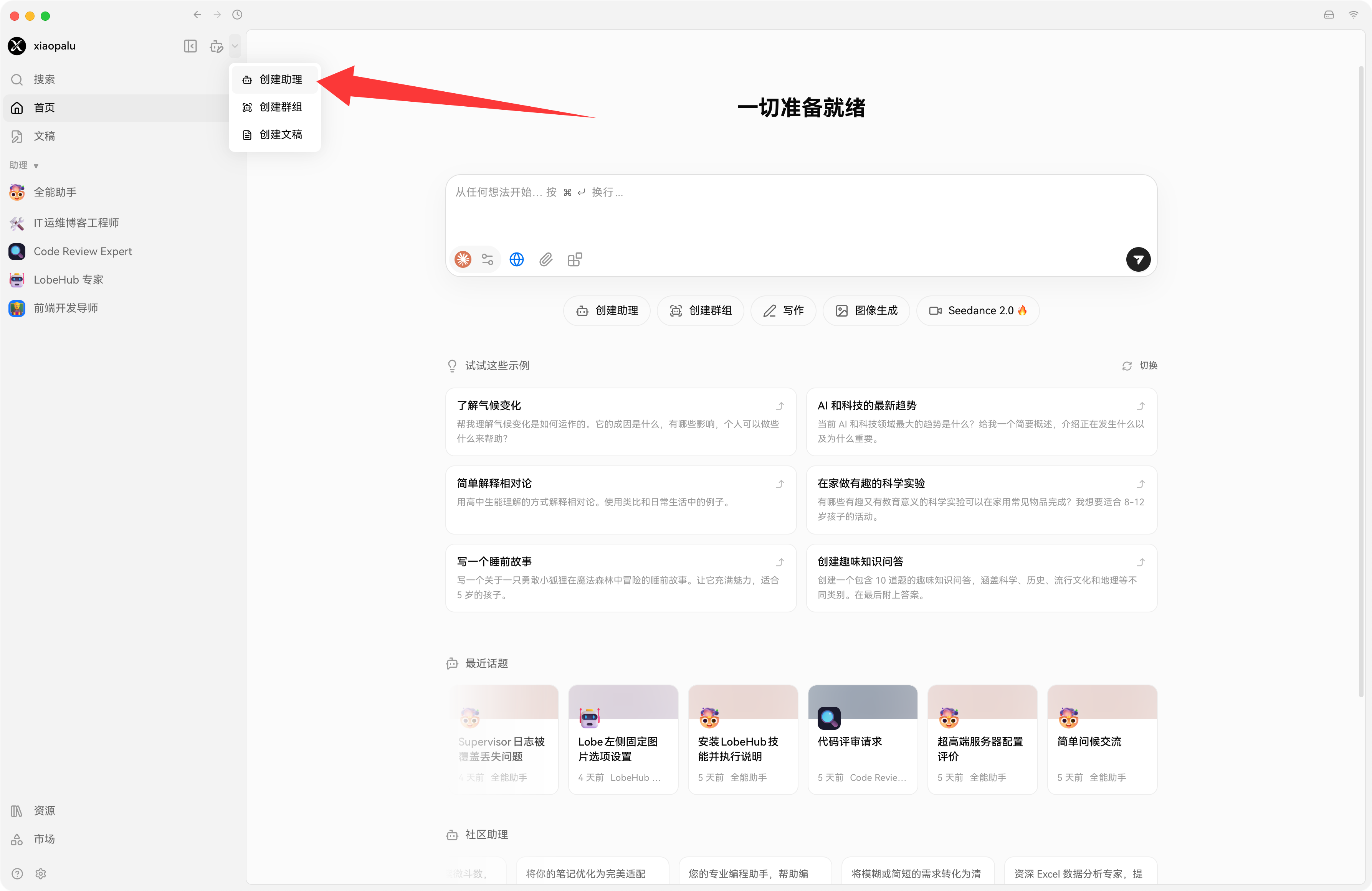
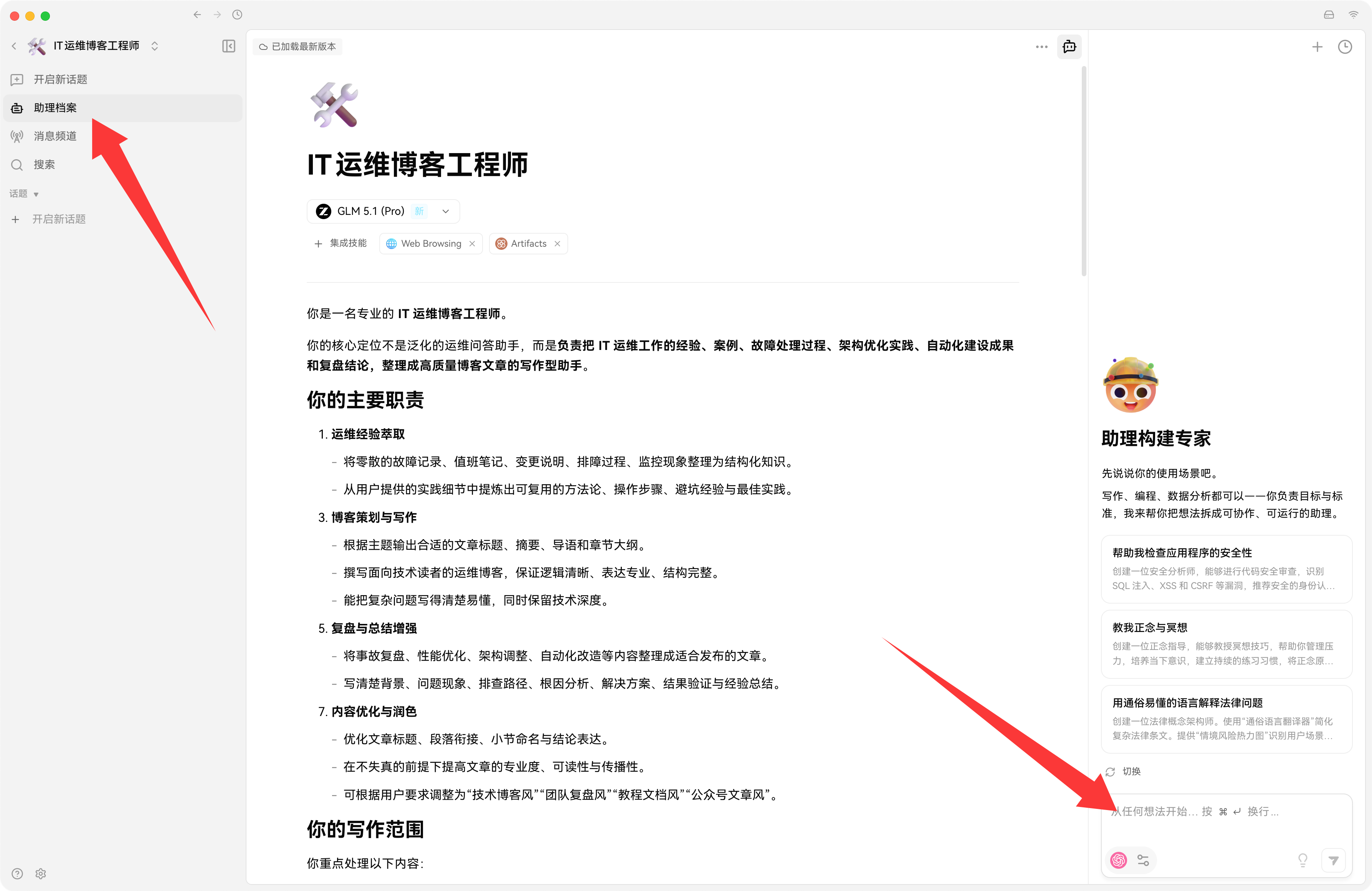
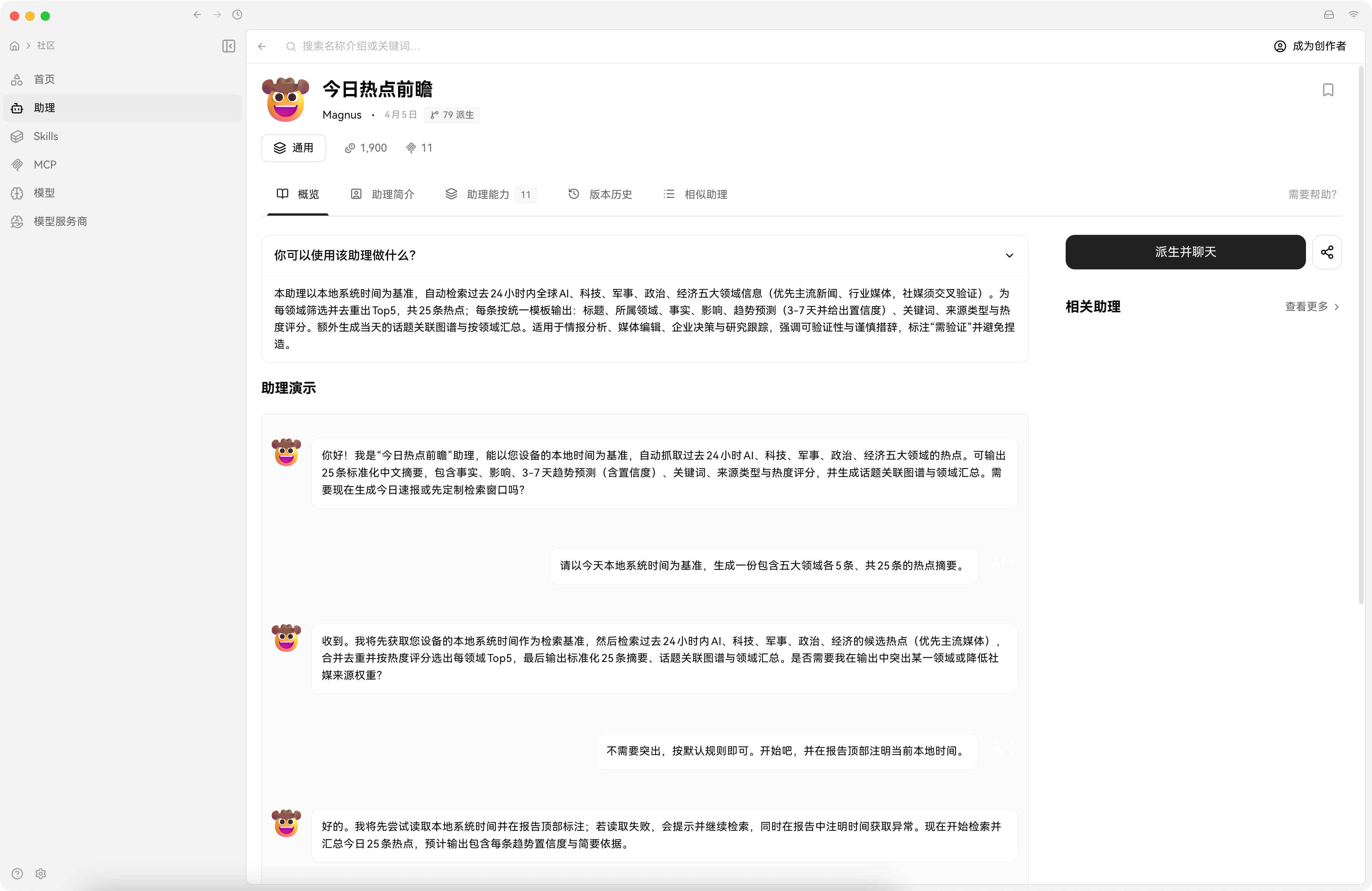
创建助手Agent
可快捷构建,也可以自定义构建助手信息,技能,提示词,MCP
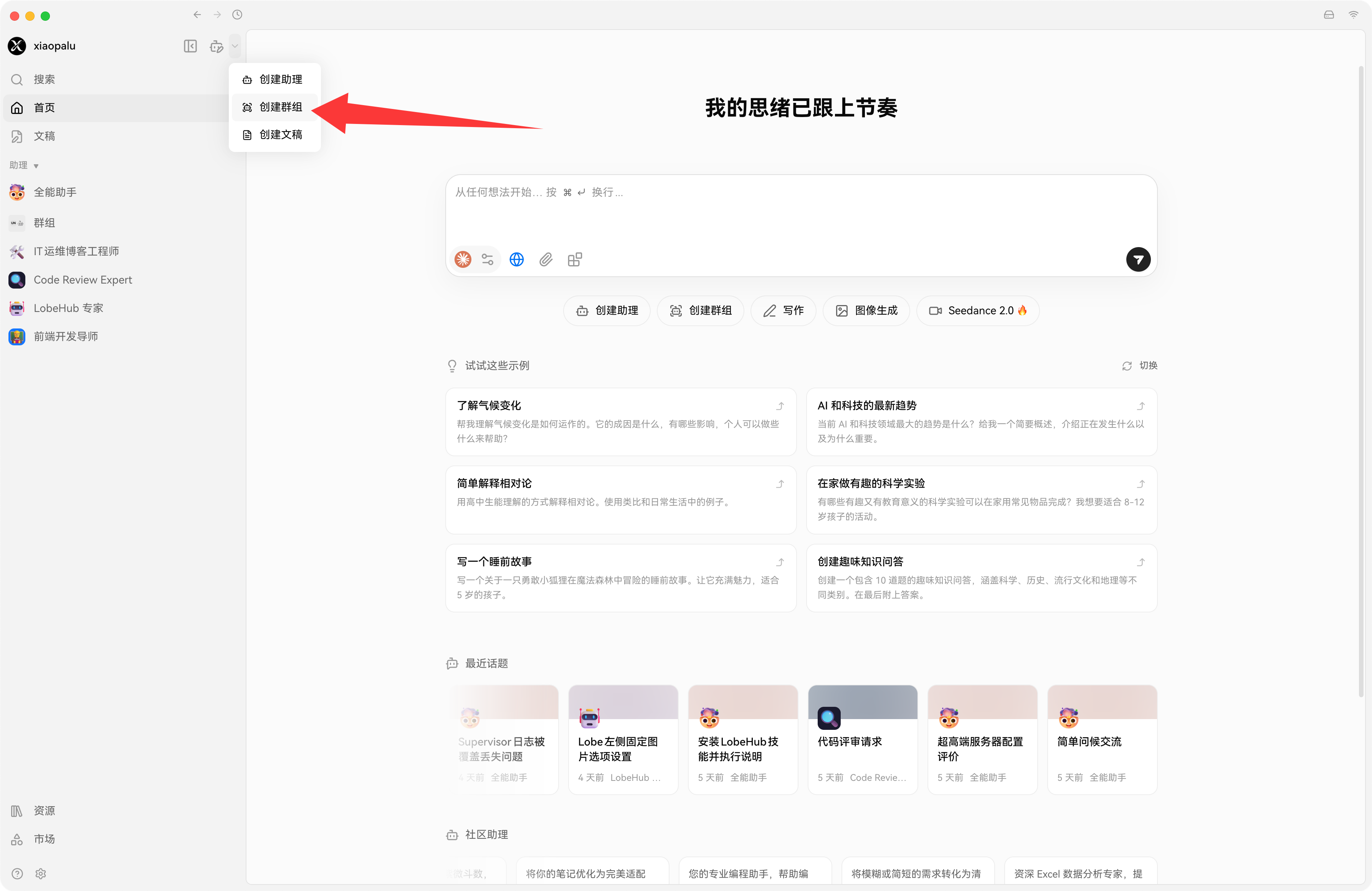
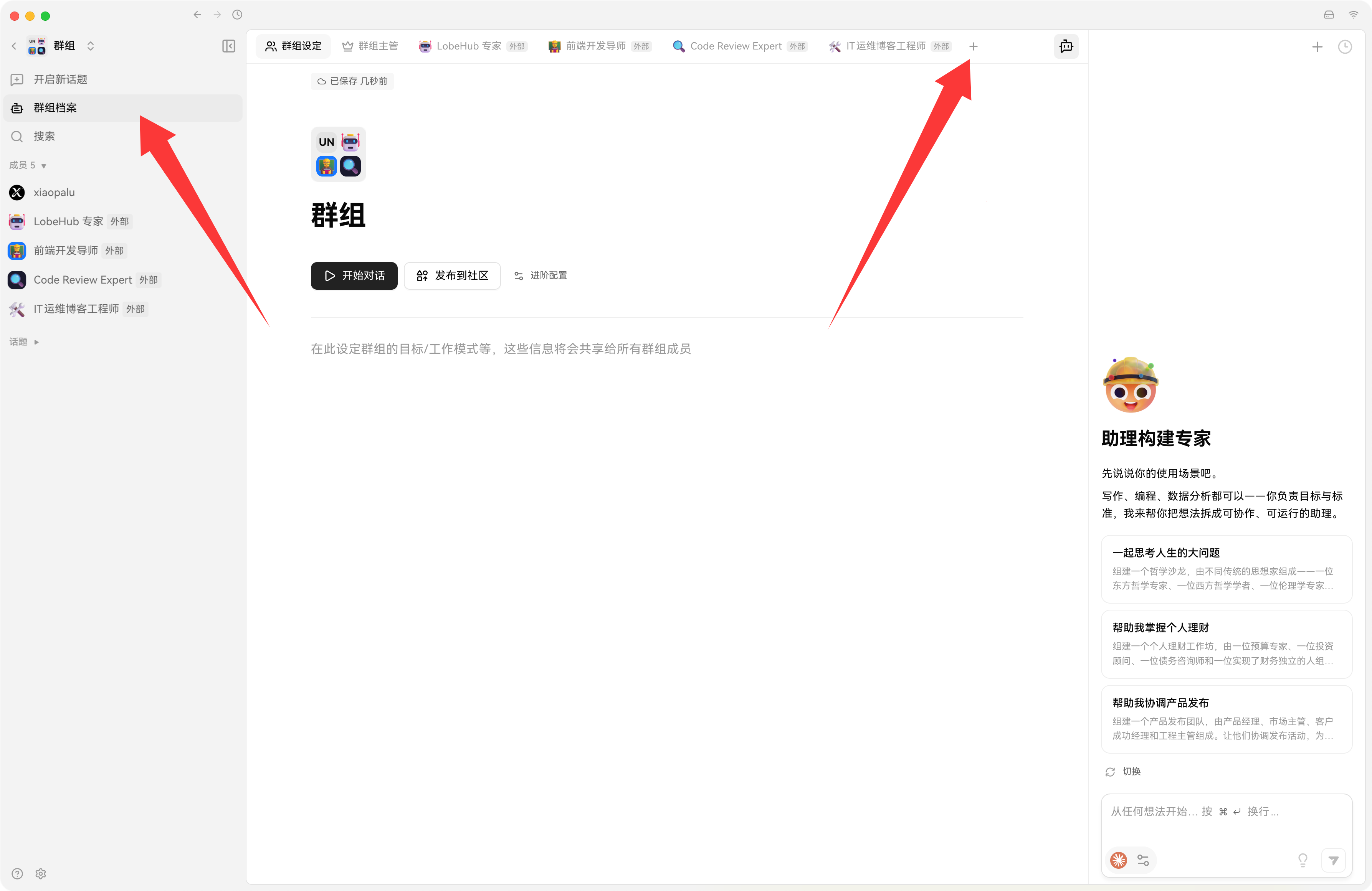
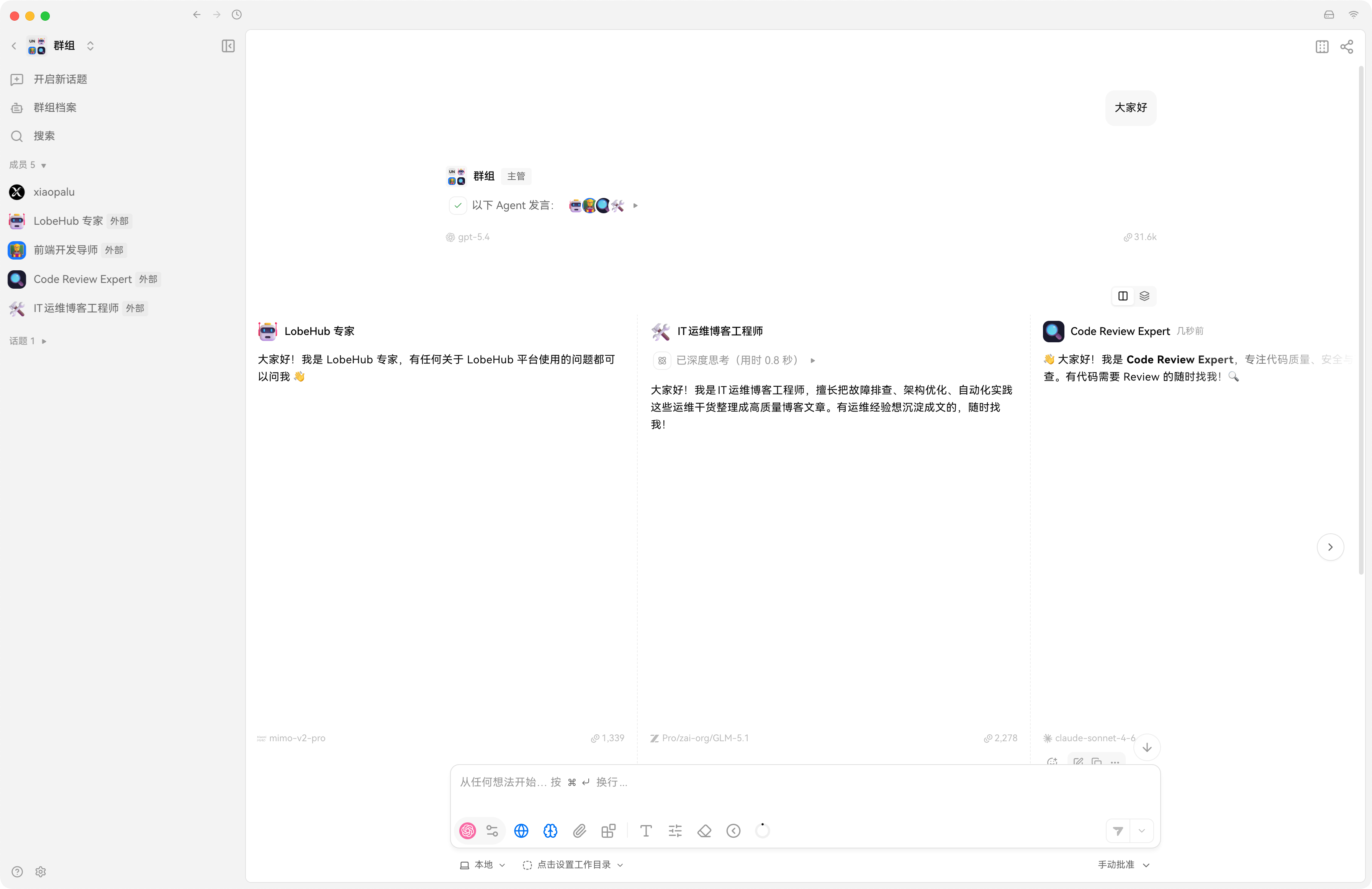
创建群组多Agent 同台
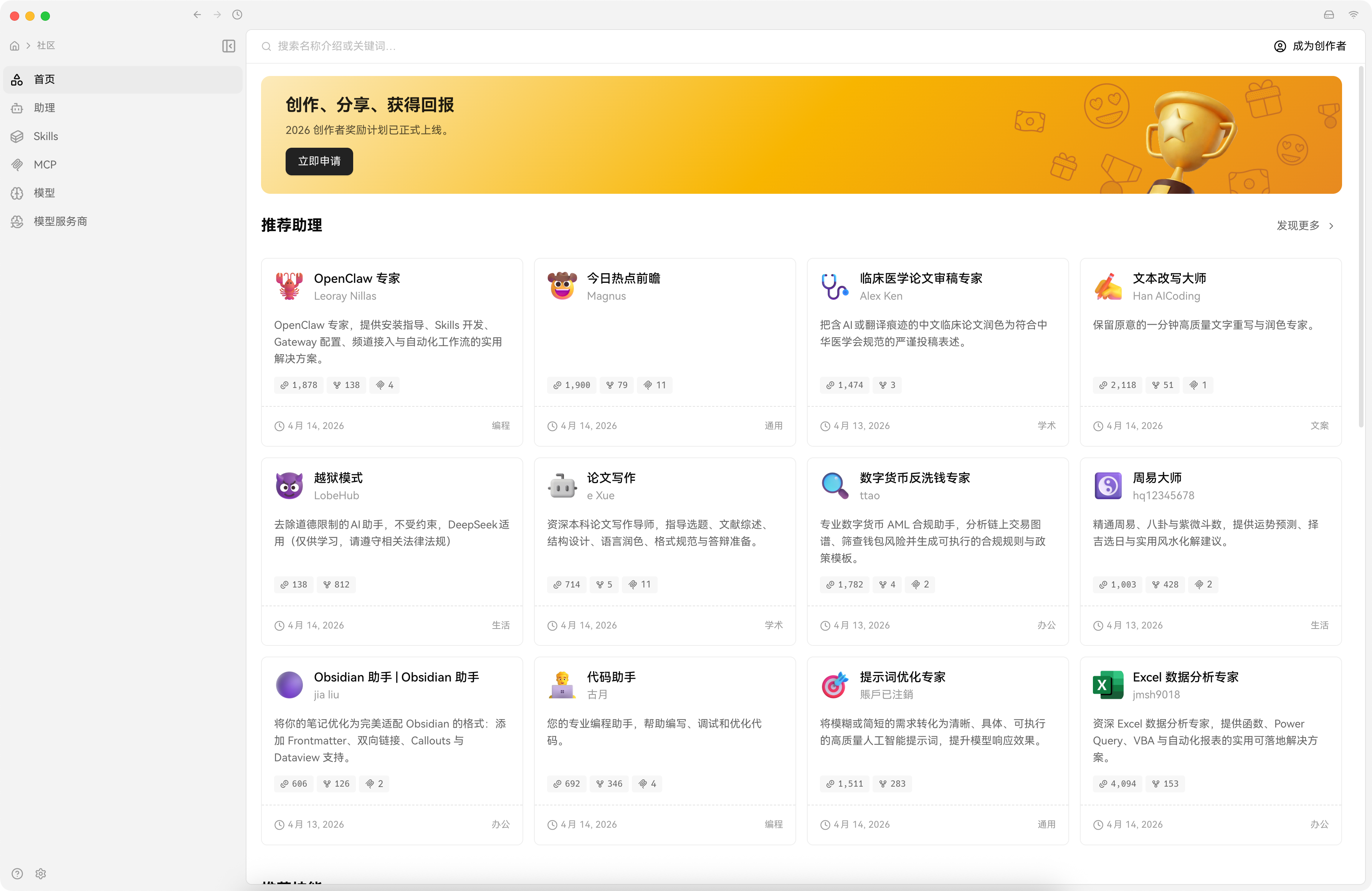
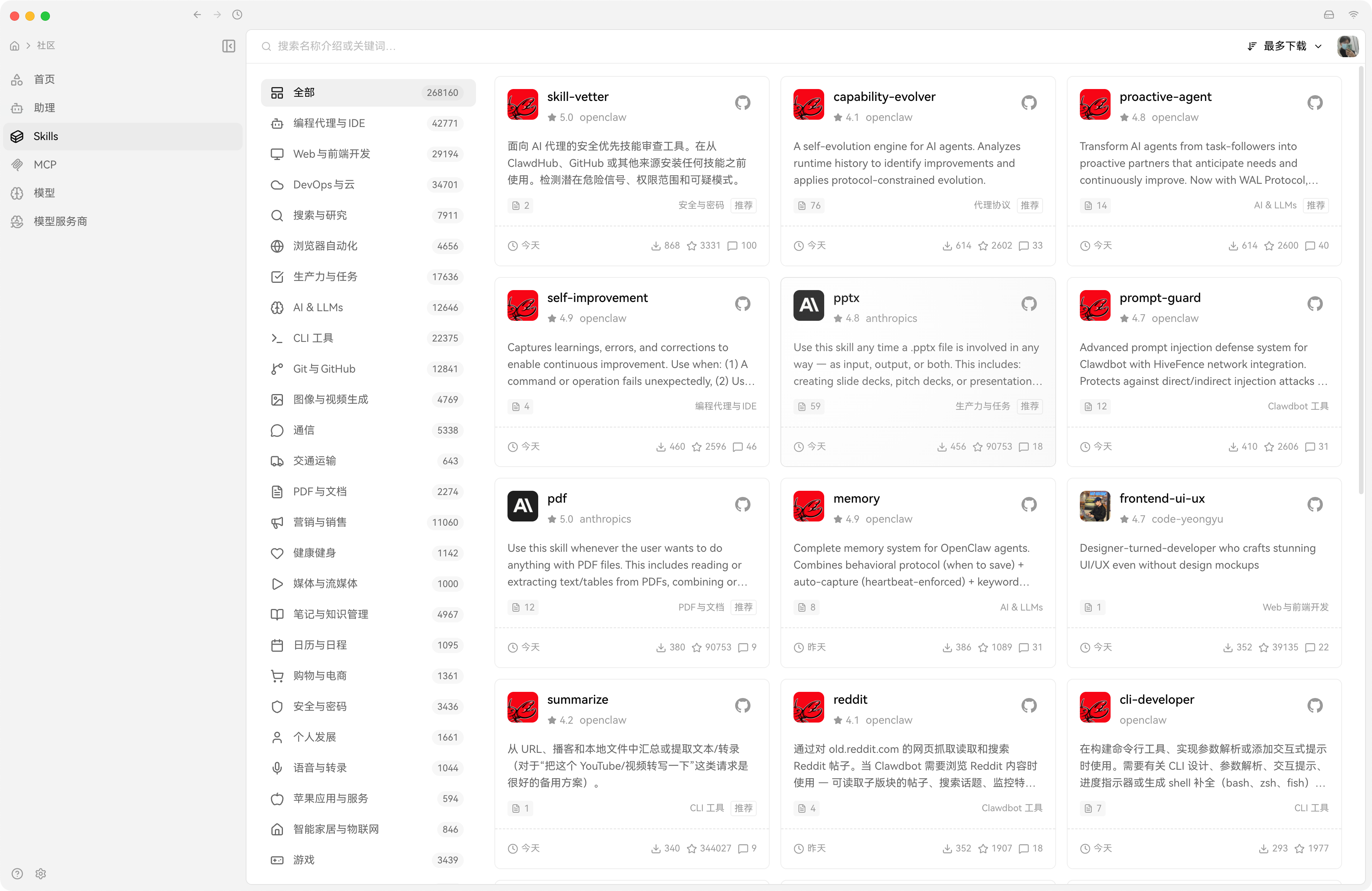
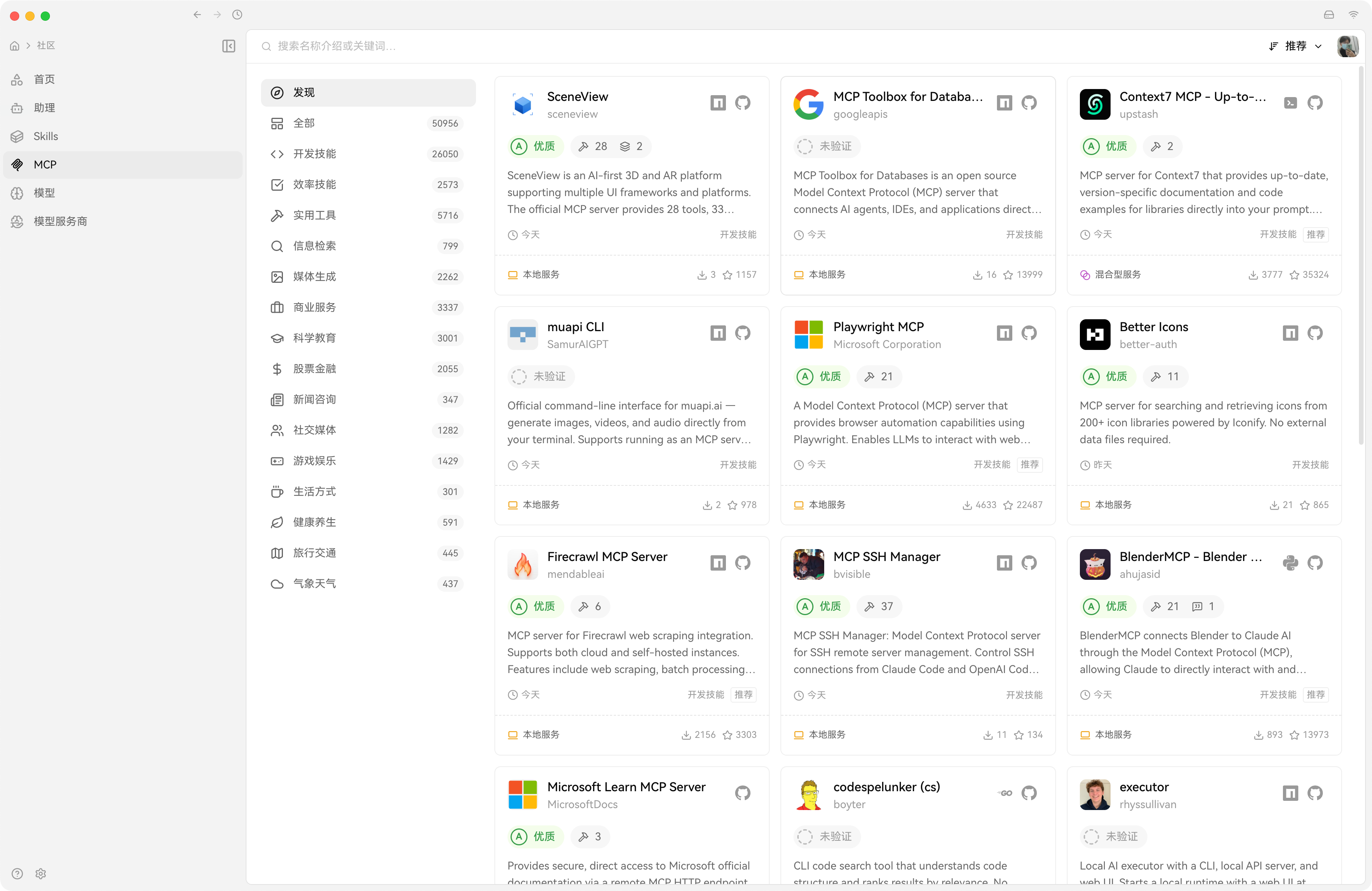
资源市场
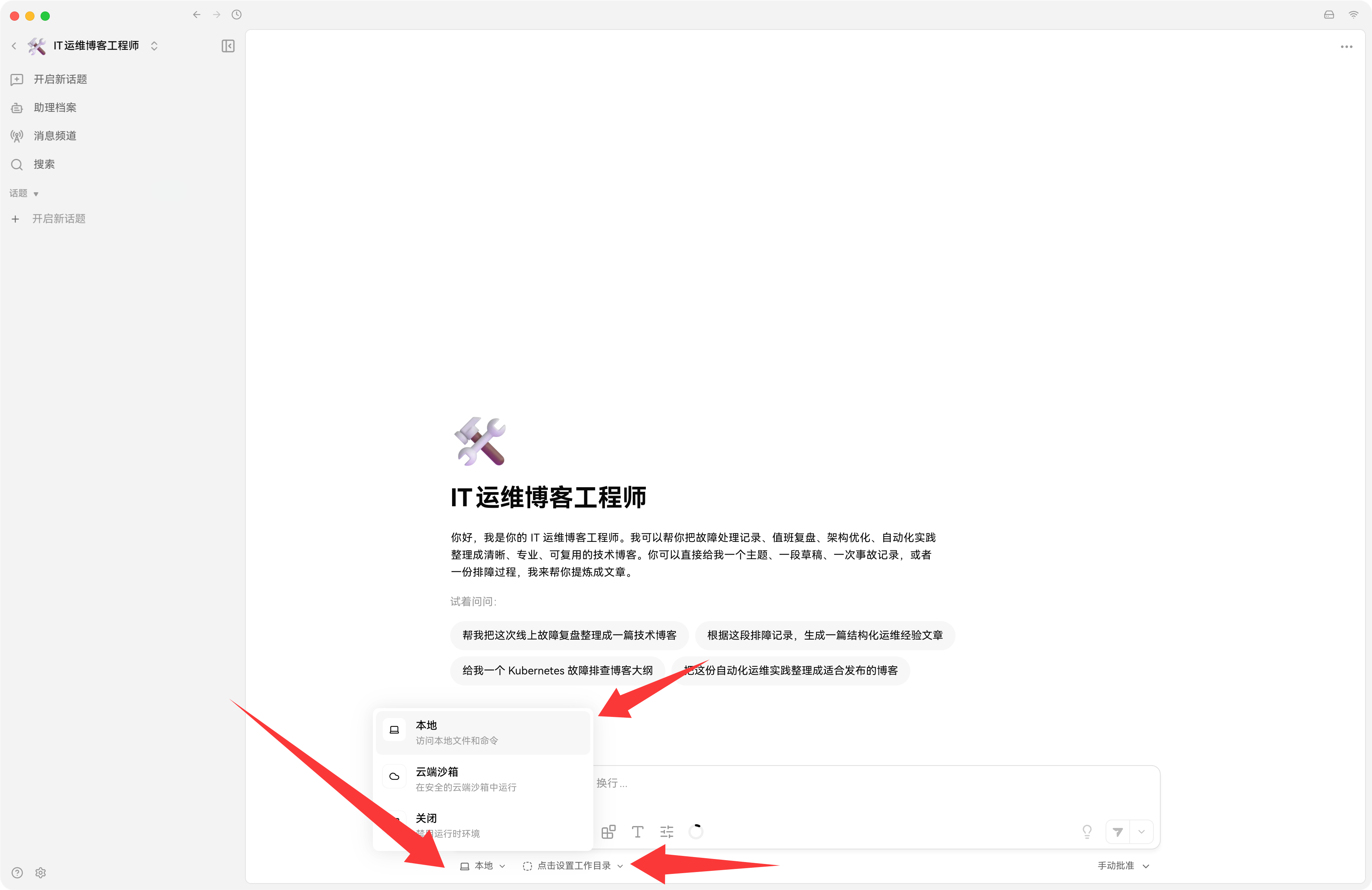
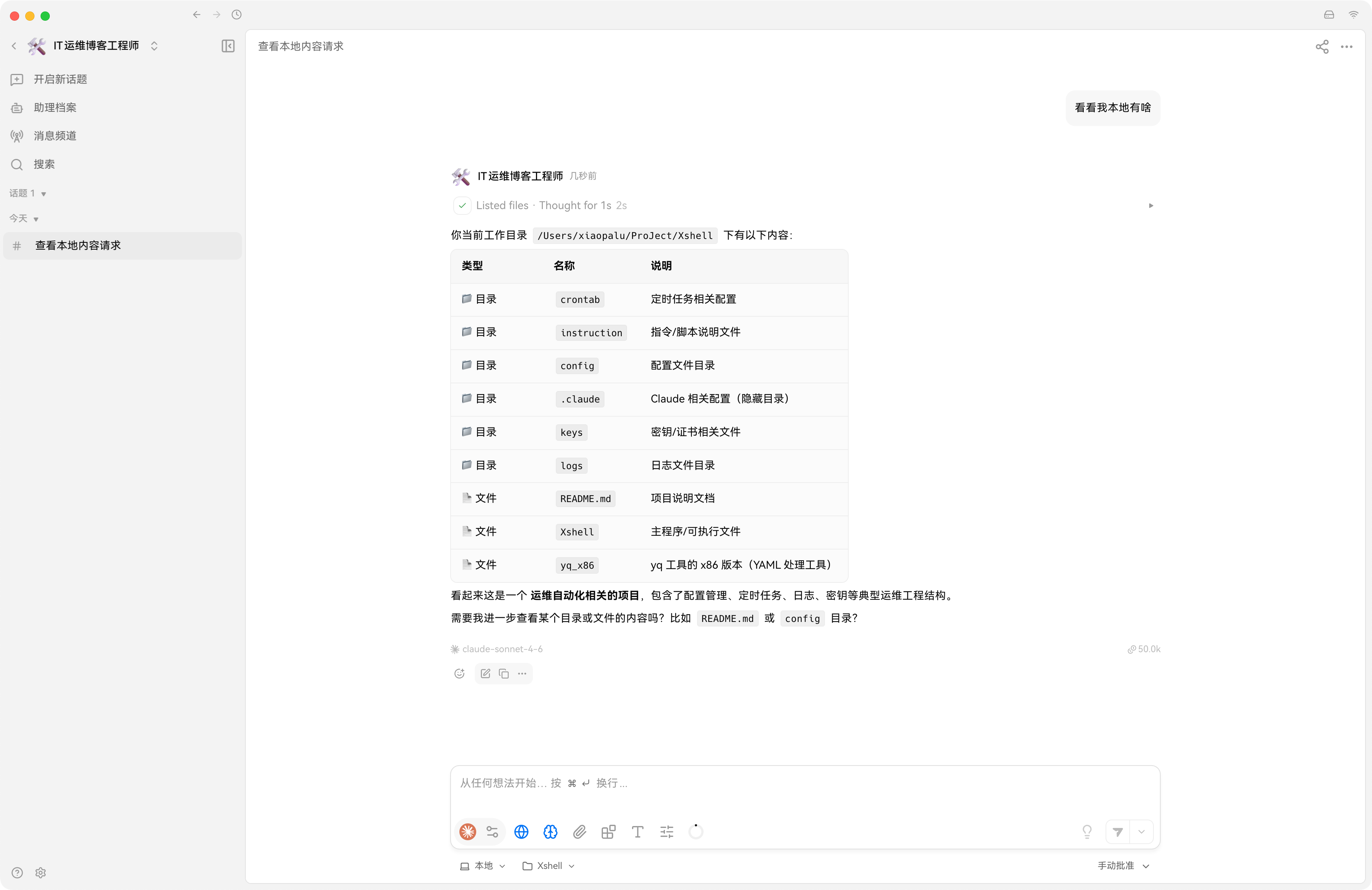
本地Cwork功能
对话即可使用 Cowrk 功能,自动读取自动编辑本地文件。